
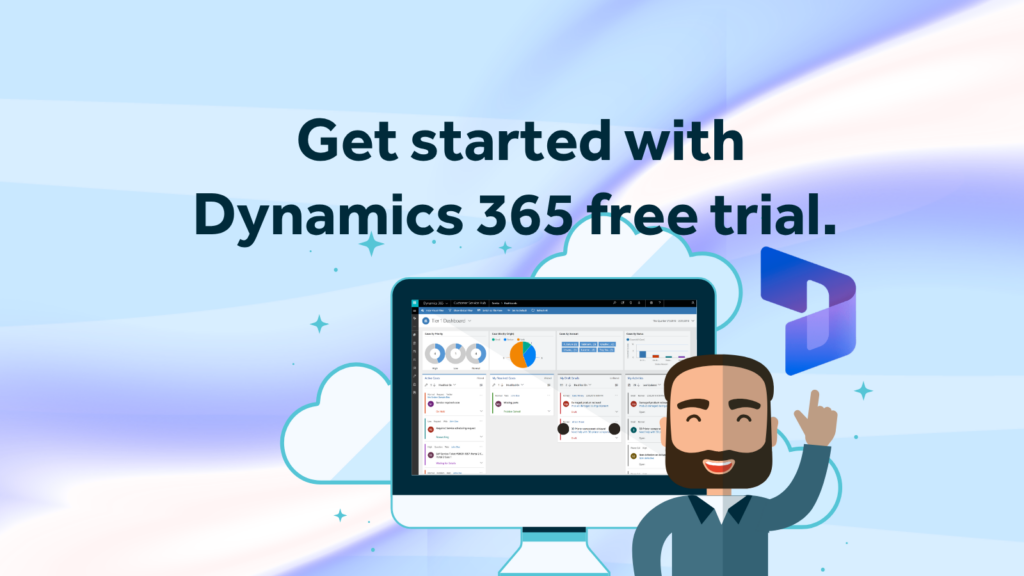
Thinking about trying Microsoft Dynamics 365 but not quite ready to hand over the company credit card and your sanity just yet?
Well, here’s the good news. Microsoft offers free trials for most Dynamics 365 applications, which means UK businesses can have a proper look around before committing. Better news? Setting one up is actually easier than assembling IKEA furniture or understanding Microsoft licensing. Mostly.
Here’s a simple, no-jargon guide to getting your Dynamics 365 free trial up and running, plus a few tips to help you avoid the common mistakes businesses make when testing CRM platforms for the first time…..
First Things First — What Is the Dynamics 365 Free Trial?
Microsoft lets you trial various Dynamics 365 applications for free, usually for 30 days. Depending on what you choose, you can test things like:
Sales
- Customer Service
- Marketing (Customer Insights)
- Business Central
- Field Service
- Project Operations
- Customer Voice
- Finance & Supply Chain
Basically, it’s Microsoft’s way of saying: “Go on then… have a little play.” The important thing to know is:
- You don’t get “all of Dynamics 365.”
- You choose specific applications to trial.
- And yes, Microsoft does make this slightly more confusing than necessary. But don’t worry, we’ve got you.
Can UK Businesses Use Dynamics 365 Free Trials?
Yes — UK businesses can sign up for Microsoft Dynamics 365 free trials directly through Microsoft using a valid business email address. Trial availability can occasionally vary slightly depending on the product and Microsoft’s current regional offerings.
Start here: Microsoft Dynamics 365 Free Trials
Before You Start You’ll need:
A work email address:
- A Microsoft account
- Around 10–15 minutes
- A strong coffee
- Emotional resilience if Microsoft asks you to verify yourself six times!
We suggest you avoid using:
- Generic Gmail accounts
- Shared inboxes
- Your “I made this in 2007” Hotmail account
- Microsoft generally prefers business email domains because they help verify legitimate organisations during the sign-up process.
Step 1: Go To The Dynamics 365 Trial Page
Start here:Microsoft Dynamics 365 Free Trials
You’ll see a list of available products with “Try for free” buttons. Pick the app you actually want to explore.
Popular starting points:
- Dynamics 365 Sales → CRM & pipeline management
- Customer Insights → Marketing journeys & segmentation
- Business Central → ERP/accounting
- Customer Service → Support case management
If you’re unsure:
Dynamics 365 Sales is usually the safest place to start. Now, if you’re really unsure, this is often where it helps to speak with a Dynamics partner like Rocket CRM before diving in.
A quick conversation upfront can save a lot of time later, especially if you’re trying to figure out:
- Which module is actually right for your business
- What licensing you realistically need
- Whether Dynamics 365 is even the best fit in the first place
(Yes, occasionally the honest answer is “probably not.”)
Step 2: Sign In (Or Create An Account)
Microsoft will ask you to:
- Sign in
- Create an account
- Verify your email
- Possibly verify your phone
- Probably ask another question for good measure. This is normal.
At some point you may feel like you’re applying for airport security clearance rather than testing software.
Stay strong, like your coffee.
Step 3: Choose Your Trial Environment
Once verified, Microsoft starts creating your environment automatically. This can take anywhere from:
5 minutes to “Maybe go make another strong coffee.”
You’ll usually receive:
- A temporary Dynamics environment
- Sample demo data
- Access to Microsoft Power Platform tools
The demo data is actually useful because otherwise your shiny new CRM would look depressingly empty.
Step 4: Explore Without Breaking Anything
Now comes the fun bit. Use the trial properly:
- Create test leads
- Build opportunities
- Send test emails
- Try dashboards
- Test automations
- Explore Copilot features
- Annoy your colleagues with phrases like “digital transformation”
This is where businesses often realise:
CRM projects are less about software… and more about process. Because once you start clicking around, you quickly discover:
- Bad data is still bad data
- Messy processes stay messy
- AI cannot fix Karen’s spreadsheet habits overnight
Unfortunately. This is also why many businesses involve a partner early during the trial phase rather than waiting until after purchase.
At Rocket CRM, we often help organisations use trials more strategically by:
- Mapping out real business scenarios
- Identifying process gaps
- Configuring quick proof-of-concepts
- Advising on integrations
- Helping teams understand what Dynamics 365 can actually do in practice
Because there’s a big difference between: “Playing with software” and “Testing whether it genuinely fits your business.”
Common Mistakes People Make
1. Trying Everything At Once
Dynamics 365 does a LOT. Trying to test every module in 30 days is like attempting every machine in the gym during your first session.
Pick:
- 2–3 real business processes
- A few realistic use cases
- Actual problems you want to solve. You’ll get far more value.
2. Ignoring User Experience
A trial isn’t just: “Can the software do this?” It’s also:
- Is it intuitive?
- Will staff actually use it?
- Does it reduce admin?
- Does it fit your business?
The fanciest CRM in the world is useless if everybody secretly goes back to Excel after two weeks.
3. Forgetting About Setup & Adoption
This is a big one. People often trial Dynamics 365 assuming:
“Great, we’ll just switch this on.”
Reality: Successful CRM projects usually involve:
- Configuration
- Integrations
- Training
- Process mapping
- User adoption planning
That’s why many businesses work with experienced Dynamics partners rather than trying to wing it internally with a few YouTube videos and blind optimism.
What Happens After The Trial Ends? Good question. At the end of the trial:
- Microsoft will prompt you to purchase licences
- Your environment may eventually expire
- You can sometimes extend trials (depending on the product)
Important: Don’t build your entire company operation inside a temporary trial environment.
It sounds obvious but it happens more than you’d think.
Final Thoughts From Us
So, Dynamics 365 free trials are actually a really good way to:
- Explore the platform
- Understand capabilities
- Test business scenarios
- Identify gaps in your current processes
Just remember:
A successful CRM project is never just about technology, it’s about:
- People
- Process
- Adoption
- Data
- Making life easier for the humans using it every day!
The software is the easy part. Or at least it sholud be.
Need Help Making Sense Of Dynamics 365?
At Rocket CRM, we help businesses navigate Dynamics 365 without the jargon, confusion or unnecessarily complicated “digital transformation” waffle.
Whether you’re:
- Exploring a free trial
- Reviewing CRM options
- Planning a migration
- Improving adoption
- Or simply trying to figure out where to start
…our team can help you turn Dynamics 365 into something genuinely useful rather than just another expensive business system people avoid grappling with on Mondays.
We also offer free consultations and live demos to help businesses understand how Dynamics 365 could work in the real world, without the hard sell or endless Microsoft buzzwords.
Book a consultation with one of our experienced Dynamics 365 consultants – not a salesperson, an experienced professional who can guide you and offer you the best advice.
You can also explore Microsoft’s own learning resources here: Microsoft Learn – Dynamics 365 Training
ABOUT ROCKET CRM
Rocket CRM is a Microsoft Dynamics 365, and a platinum Click accredited partner, helping small to medium-sized businesses and charities harness the power of scalable CRM technology. Our mission is to make powerful CRM software simple with custom-built, user-focused solutions.
Website: rocketcrm.co.uk
Podcast: RocketPod
Social: LinkedIn